
NinjaTrader for Beginners: Essential Tips, Tools & Trading Platform Features
Learning to trade futures comes with a pretty steep learning curve. Between understanding price action, developing a strategy, managing risk, and navigating trading platforms, there's a lot to figure out! I remember how overwhelming it felt when I first started using different trading platforms. Even when I knew what trade I wanted to take, figuring out how to execute it efficiently was another challenge entirely.
In this Market Mamas episode, I'm walking through NinjaTrader Desktop, the platform I use for my own futures day trading. I'm sharing some of my favorite features, practical tips, and ways to simplify the platform so you can spend less energy navigating software and more energy focusing on good trading decisions.
Why I Use NinjaTrader for Futures Trading
One of the things I appreciate most about NinjaTrader is its customizability. You can create a workspace that fits your trading style, whether you prefer a simple chart with a few indicators or multiple charts tracking different instruments and timeframes. Personally, I like to keep my trading screen pretty clean. I don't need a dozen windows competing for my attention when I'm trying to make decisions in a fast-moving market. For me, the goal is simple: Make the platform work for my trading strategy, not the other way around.
1. Bracket Orders: My Favorite NinjaTrader Feature
If there's one feature I think every new futures trader should understand, it's NinjaTrader's ATM (Advanced Trade Management) strategies. These allow you to create customized bracket orders with predefined stop losses and profit targets. A bracket order uses OCO (One Cancels Other) functionality, meaning that when a linked profit target or stop loss is executed, the corresponding opposing order is canceled.
Why does that matter? Because markets move quickly! Without properly linked orders, you risk leaving an unintended order active after your original position closes.
With NinjaTrader's ATM strategies, you can customize:
Stop-loss and profit-target distances
Multiple profit targets for scaling out of positions
Automatic break-even adjustments
Trailing stops as price moves in your favor
For example, you might enter a trade with two ES contracts, a five-point stop loss, and separate profit targets at five and ten points. You can also save your favorite configurations as templates rather than rebuilding them every trading session.
One important reminder: Automated orders are useful risk-management tools, but they don't eliminate slippage, execution risk, or technical failures.
2. Customize Your Charts Without Overcomplicating Them
NinjaTrader offers plenty of charting tools, but you don't need to use everything available.
In this episode, I demonstrate some of the features I regularly use, including:
Indicators: Adding volume, VWAP, moving averages, and other technical studies
Drawing tools: Marking support and resistance zones, trendlines, and Fibonacci levels
Data Box: Viewing exact candle prices, volume, and indicator values
Crosshairs: Identifying specific prices and times on your chart
Chart settings: Customizing candle colors, chart types, and trade execution markers
I also explain how to display previous trade entries and exits on your chart, which can be especially useful when reviewing trades or sharing screenshots with your trading community. My advice? Start simple. Add tools because they support your trading process, not because someone else has them on their chart.
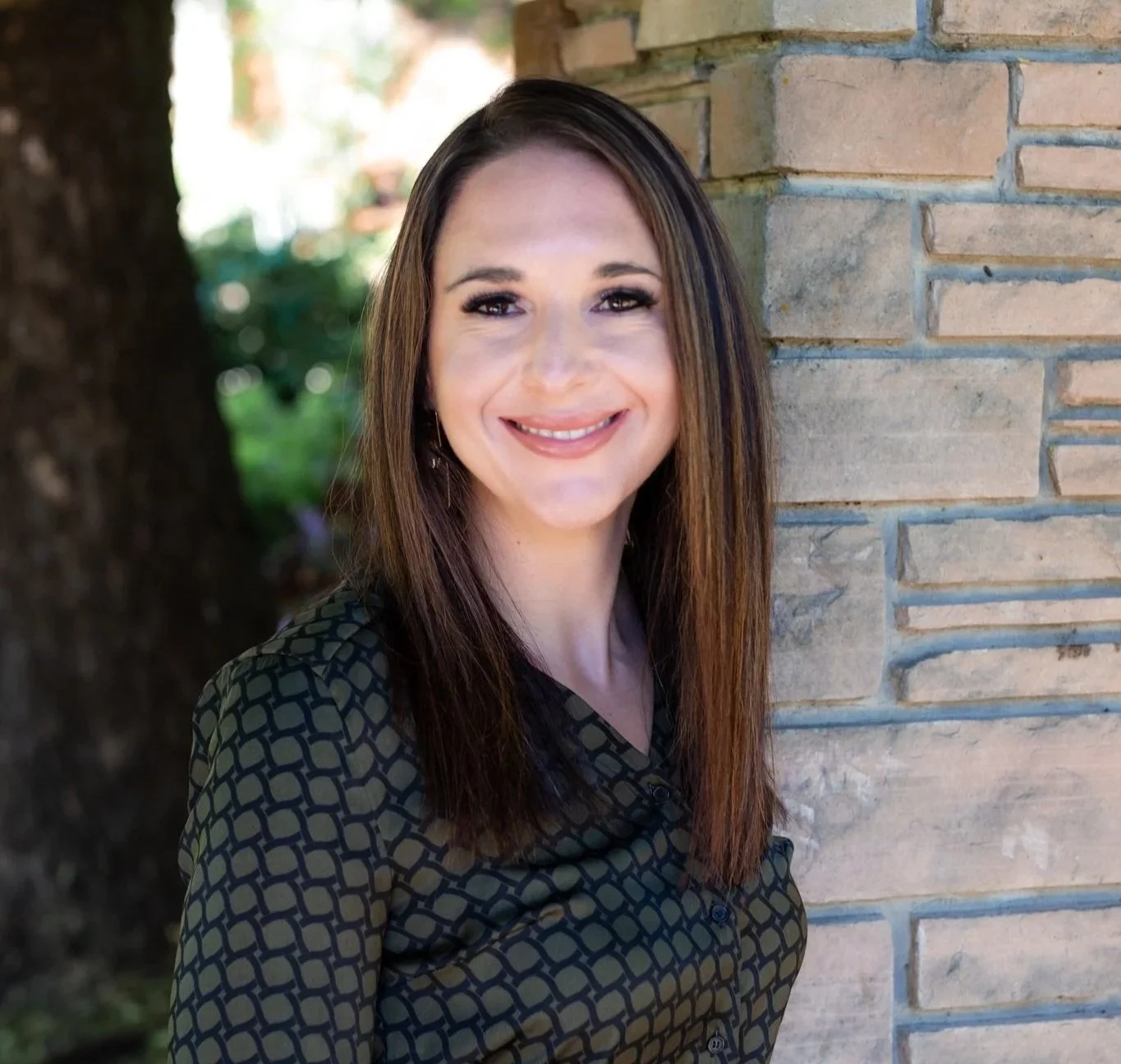
“All things point to being able to just focus on good trading, not an unfamiliar environment or a laggy system.”
~ Becky Gaskell, Market Mamas
3. Save Workspaces and Organize Multiple Charts
Another helpful feature is the ability to save customized workspaces. Once you've arranged your charts, indicators, and windows the way you like them, you can save that workspace for future sessions.
You can also duplicate charts to monitor multiple instruments or timeframes. For example, you might watch ES on a 15-minute chart while using a separate two-minute chart for execution. Or you might monitor ES and NQ side by side. I personally prefer limiting unnecessary distractions, so I often focus on one primary chart during my trading session.
4. Connect Accounts and Learn the Control Center
The NinjaTrader Control Center is where you'll manage many of the platform's essential functions. This includes reviewing orders and account information, configuring connections, managing workspaces, and adjusting platform settings.
For traders using compatible futures prop firms, I also briefly cover connecting accounts using credentials supplied by the firm. And here's one little quality-of-life tip: If you prefer dark mode, you can change NinjaTrader's appearance through its skin settings. It's a small adjustment, but when you spend hours looking at charts, having a comfortable workspace matters!
The Bigger Picture: Make Execution Easier
Trading is already mentally demanding. Your trading platform shouldn't add unnecessary confusion to the process. The more familiar you become with your order entry, risk controls, charting tools, and workspace, the more attention you can dedicate to evaluating setups and managing trades.
That's really what I want newer traders to take away from this episode. You don't need to master every advanced feature of NinjaTrader. Start by understanding the tools you'll actually use, practice in simulation, and build familiarity before putting real capital at risk. Good trading requires discipline, and having a well-organized platform can help support that discipline.
Watch the Full NinjaTrader Beginner Tutorial
This blog is just a quick overview! In the full Market Mamas video episode, I walk through these NinjaTrader features directly on my desktop, demonstrating how to configure bracket orders, customize charts, save workspaces, and navigate the platform. If you're new to NinjaTrader or want to become more comfortable using it, watch the full tutorial for the visual walkthrough.
And if there are more advanced NinjaTrader features you'd like me to cover in a future episode, let me know! Trade well and enjoy your best life.
Risk Disclosure: Futures trading involves substantial risk and is not suitable for every investor. Examples discussed are for educational purposes only and do not constitute financial advice. Past performance does not guarantee future results.
To those who show up for these conversations with me, the mental effort and time dedication, you are my people and I would love to get to know you better! Please take a moment to shoot me a comment on https://www.market-mamas.com/contact! Keep learning, keep growing, keep trusting yourself, and always show yourself some love throughout this pursuit. We got this!